

Welcome to Goshen Accounting Services!
LATEST BLOG POSTS AND VIDEOS

In this episode, we show how to create and use custom fields to track grant spending periods in QuickBooks Online Advanced.

Recording the accrued unused paid time off balances as accrued expenses in QuickBooks Online can be done in six simple steps in QuickBooks Online. Recording the balances allows you to capture the expenses at the end of your organization’s fiscal year or calendar year.
Did you know you can store your bank statement and credit card statements, loan documents, or other balance sheet account statements in QuickBooks Online? In this tutorial, we show you how to save your account statements in QuickBooks Online for audit and data loss prevention reasons.

Your accounting professional is one of the most important working relationships you have, and vital to the success of your nonprofit. Choosing the right partner means more than just finding someone who can crunch numbers. Learn the six important traits to consider when hiring a nonprofit accounting professional.

Life is too short to keep reinventing the wheel and relying on your memory to remember everything. So, watch this video to learn how to create task templates in Asana to standardize your business procedures.

Do you struggle with tracking your business finances and monitoring your money goals every month? Then, you need to use the task feature in QuickBooks Online Advanced. In this tutorial, you will learn how to create and use tasks to monitor your business expenses, pay bills, print checks, or approve invoices or review financial reports.
Are you struggling to reconcile multiple credit card accounts requiring using the location tracking feature inside QuickBooks Online? In this tutorial, I show you how to reconcile your credit card accounts when you have a parent card and multiple employee cards.

Do you have a credit card account where the primary master card houses all the payments separate from the individual employee cards? Learn how to transfer credit card balances from employee cards to the parent credit card account if you are not using the location tracking feature in QuickBooks Online.

Managing multiple shared calendars in Gmail Sidebar doesn’t have to be complicated. In this video, I share a cool way to see all of your shared calendars integrated with your primary Google Calendar inside the Gmail Sidebar.

In this video, we are sharing three key tips to implement today to successfully keep your business in payroll and 1099 compliance while saving money and time.

Have you seen the new 1099-NEC form updates in QuickBooks Online? Keep reading to find out the two new features to the 1099 wizard and transaction detail report in QuickBooks Online that will make filing your 1099s easier in 2021.
Do you struggle with keeping up with W-9 forms from your service vendors? Learn how to create and use a custom field to track the tax classification status of your vendors in QuickBooks Online Advanced.

Is your organization currently struggling to keep track of the different types of vendors you pay? Do you need the ability to segment your vendors in QuickBooks Online?
In this tutorial, we show you how to create vendor types in QuickBooks Online Advanced to track the different suppliers you pay without making your chart of accounts excessively long and complicated.

Have you struggled to back up your QuickBooks Online file? Want to know how to export your QuickBooks Online data to QuickBooks Desktop without using Internet Explorer and messing with your security system? In this tutorial, I am going to show you how to eliminate these problems using the exportmybooks.com app.

If you have been using QuickBooks Online for a while, you will notice every year on January 1st or the beginning of your fiscal year, your net surplus or deficit from all of your fund balances closes to the QuickBooks Retained Earning equity account.
In this tutorial, I will show you how to record your beginning fund balances and closeout your QuickBooks Retained Earnings balance to net assets.

In this tutorial, we focus on how to release spent funds from the restricted class to the general fund class in QuickBooks Online. There are two different methods to record the release of used funds from restriction. Keep reading to find out more.

You collected funds for your mission fund initiatives. It is now time to disburse the funds to all of the wonderful charities your ministry supports around the globe. How do you record all the expenses in QuickBooks Online?
In this tutorial, I will show you how to record your ministry expenses for a restricted fund in QuickBooks Online continuing with my four-part blog series.

Recently, I have been getting questions from churches wanting to know how to track restricted funds in QuickBooks Online.
In this tutorial, I will explain what a restricted fund is and show you how to record restricted contributions for your ministry in QuickBooks Online. This is part one of tracking restricted funds for churches series.

Do you have customers that keep sending you NSF checks? Are you using journal entries to record returned sales receipt payments from customers?
The problem with using journal entries is you bypass the sales form and expense form when you record the transaction this way and it makes it harder to see which customer’s profile was impacted by the returned payment.
In this tutorial, I will show you how to record a returned sales receipt payment and the bank fee without using a journal entry.
Are you using a donor management system or a CRM that uses Stripe as the payment gateway? If you only record the net sales amount that shows up on the bank feeds, you are understating your revenue and expenses. In this tutorial, I walk through my process to record and reconcile Stripe transactions in QuickBooks Online.
Are confused by QuickBooks Online sales form labels for nonprofits? Are you looking to invoice your stakeholders (aka customers) in installments in QuickBooks Online? Are you confused by QuickBooks Online sales form labels for nonprofits?
I am answering this question and clarifying the confusion most nonprofit organizations have around the pledges vs. invoices labels in QuickBooks Online.

Are you using Asana to manage your daily projects, but still receiving emails from a team member that says “hi, I don’t know what is on your schedule for today? You are not alone!
In this tutorial, I will show you a quick and easy way to view a team member’s tasks in Asana. Watch the video and follow along with the guide.

Are you dealing with multiple credit cards and messy partial payments? Paying down a credit card bill in QuickBooks Online is one of the challenges we see many users struggle to accomplish. Keep reading to learn how to reconcile your credit card accounts and record the credit card payments in QuickBooks Online using two different methods.

Reconciling your bank account in QuickBooks Online is one of the most important steps many users skip or wait until tax filing time to do.
Reconciling your books should be done on a monthly basis to help your organization catch fraudulent transactions, unauthorized bank fees, and verify your revenue and expenses.
Keep reading to learn how to reconcile your books in QuickBooks Online.

Learn how to set up your credit card accounts in QuickBooks Online to track your expenses in real-time whether you have one credit card or multiple credit cards. Watch the video and follow the guide.
One of the top questions I often get asked by clients is how to track employee reimbursements in QuickBooks Online. There are various ways you can track the receipts to reimburse employees.
In this tutorial, you will learn how to track employee reimbursements in QuickBooks Online using bills and my recommended apps for automating the process.

In QuickBooks Online, a statement is the status of a customer's account at a point in time. It is not a transaction. And, each line on a statement represents sales transaction such as credits invoices and anything that you have processed for that particular customer.
The downside of using statements in QuickBooks Online is that you cannot customize the layout and text that is on it like you could with a sales receipt or invoice. Keep reading to learn what app I recommend to create statements in QuickBooks Online.

Recording bank deposits when you have a mixture of restricted funds and unrestricted funds sitting in your undeposited fund account can be tricky.
If you don’t record the deposit correctly, you will often end up with the amount showing in the “Not Specified” column when you run a statement of financial position by location tracking report. Keep reading to learn how to record restricted and unrestricted bank deposits in QuickBooks Online.

ready to renovate your finances?
Are you ready for an ongoing relationship with an expert accountants and CFOs that cares about your mission? Review our services to learn what we do and how best we can support you.
Templates, Checklists, and E-Books
Are you a nonprofit feeling overwhelmed with using QuickBooks Online to run your organization? Shop any one of our templates, checklists, document storage organizer, and training course.

You’ll receive a downloadable nonprofit Excel workbook that includes budgeting tips, a structure chart of accounts, and other information to add your budget amounts before adding them to your accounting system. This template is compatible with QuickBooks and Xero accounting systems.
How it Works:
Once you purchase, you will receive a unique email link to download the Excel file within 24 hours.
Check your spam/junk folder if you don’t see the email in your inbox.
Due to the nature of digital products, there is no refund. We will do our best to answer any technical questions about using the template.

You’ll receive a downloadable Excel file to edit and import into your task list or project management system to use in your organization to get get your books in order and complete your federal and state tax requirements.
How it Works:
Once you purchase, you will receive a unique email link to download the Excel file within 24 hours.
Check your spam/junk folder if you don’t see the email in your inbox.
Due to the nature of digital products, there is no refund. We will do our best to answer any technical questions you may have about using the template.
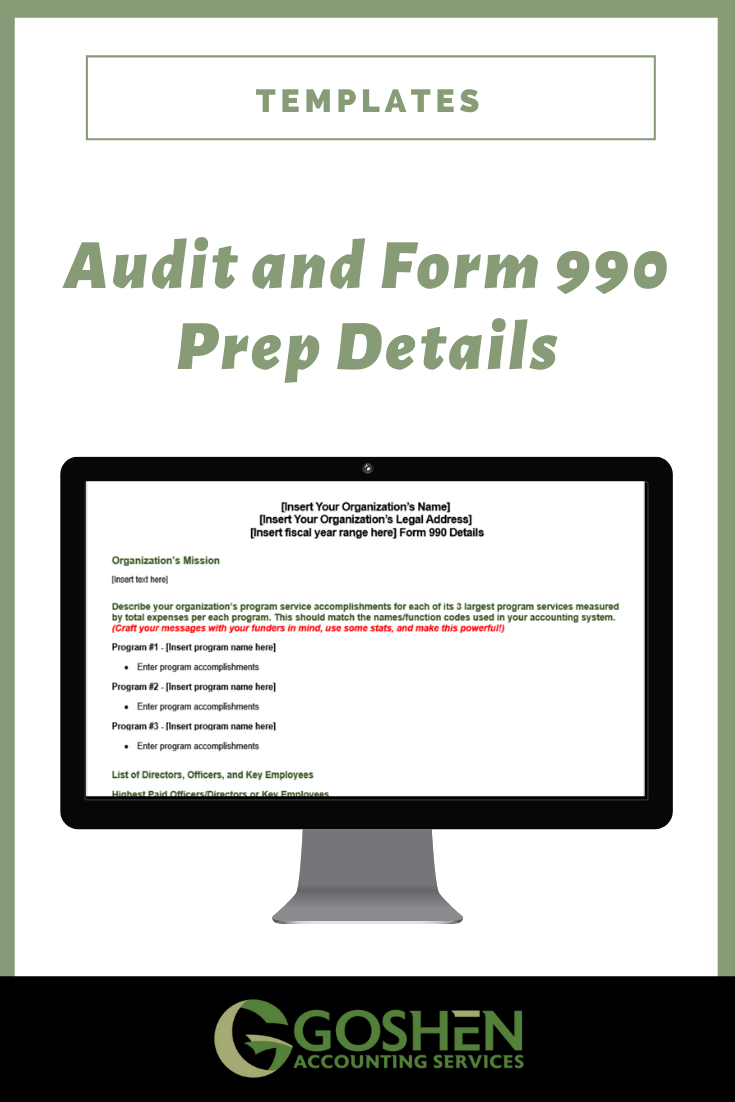
You’ll receive a downloadable Word file to edit and use in your organization to prepare your responses to your auditor’s or tax preparers’ most frequently asked questions.
How it Works:
Once you purchase, you will receive a unique email link to download the Word document within 24 hours.
Check your spam/junk folder if you don’t see the email in your inbox.
Due to the nature of digital products, there is no refund. We will do our best to answer any technical questions you may have about using the template.
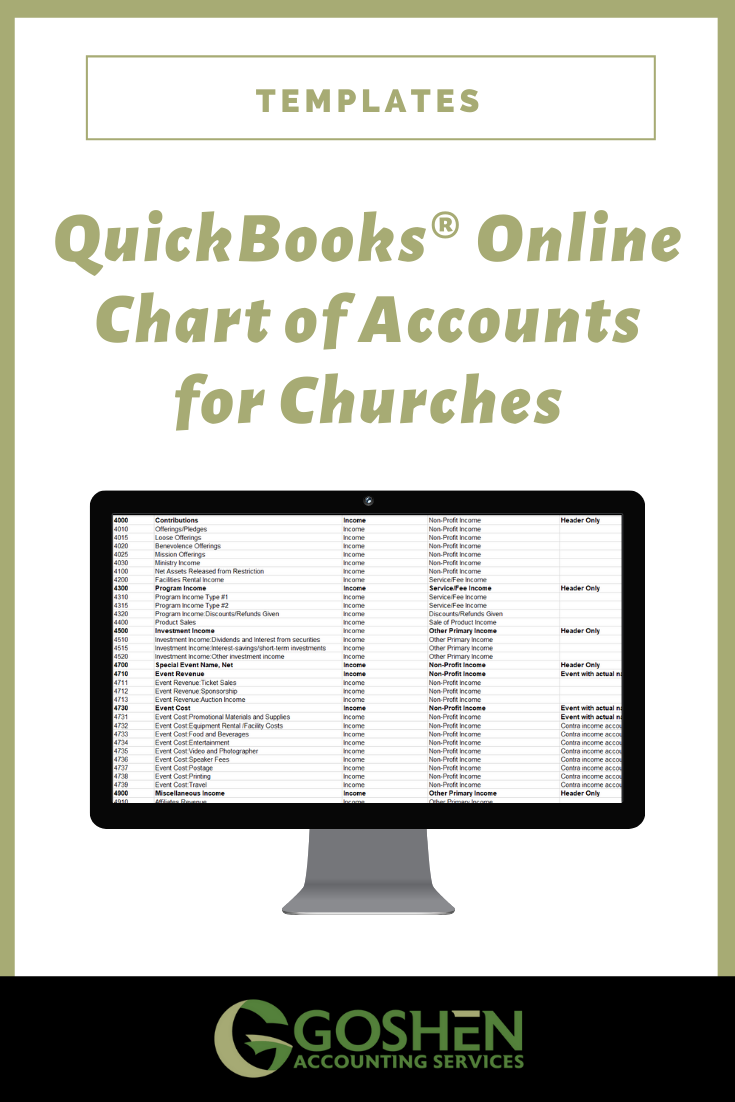
What you get:
A downloadable QuickBooks Online template that includes an updated chart of accounts, classes, and location tracking to use for your ministry.
How it Works:
Once you purchase, you will receive a unique email link to download the Microsoft Excel Workbook within 24 hours.
The Excel Workbook contains the chart of accounts your organization will need plus instructions. Edit the file to add more accounts if needed and import it into your QuickBooks Online.
Check your spam/junk folder if you don’t see the email in your inbox.
Due to the nature of digital products, there is no refund. We will do our best to answer any technical questions you may have with using the template.

What you get:
A downloadable QuickBooks Desktop template that includes an updated chart of accounts and classes to use for your ministry.
How it Works:
Once you purchase, you will receive a unique email link to download the Microsoft Excel Workbook within 24 hours.
The Excel Workbook contains the chart of accounts your organization will need plus instructions. Edit the file to add more accounts if needed and import it into your QuickBooks Online.
Check your spam/junk folder if you don’t see the email in your inbox.
“Ufuoma is truly a God send! After an exhaustive Google search for help with setting up a Chart of Accounts to transition our nonprofit (with a convoluted COA set up from previous bookkeepers) to church accounting in Quickbooks, I found a link to your website. I purchased your COA for QuickBooks Desktop and in less than an hour I have reviewed it with Unified Chart of Accounts protocols and have it ready to input into QB. What a relief after spending over a week of long days trying to make sense of Lisa London's COA for churches which did not include all of the items you have in your COA. Thank you!”
~ Audrey Costello, Treasurer
Bhakti Projects, Inc.
Due to the nature of digital products, there is no refund. We will do our best to answer any technical questions you may have with using the template.
You’ll Receive:
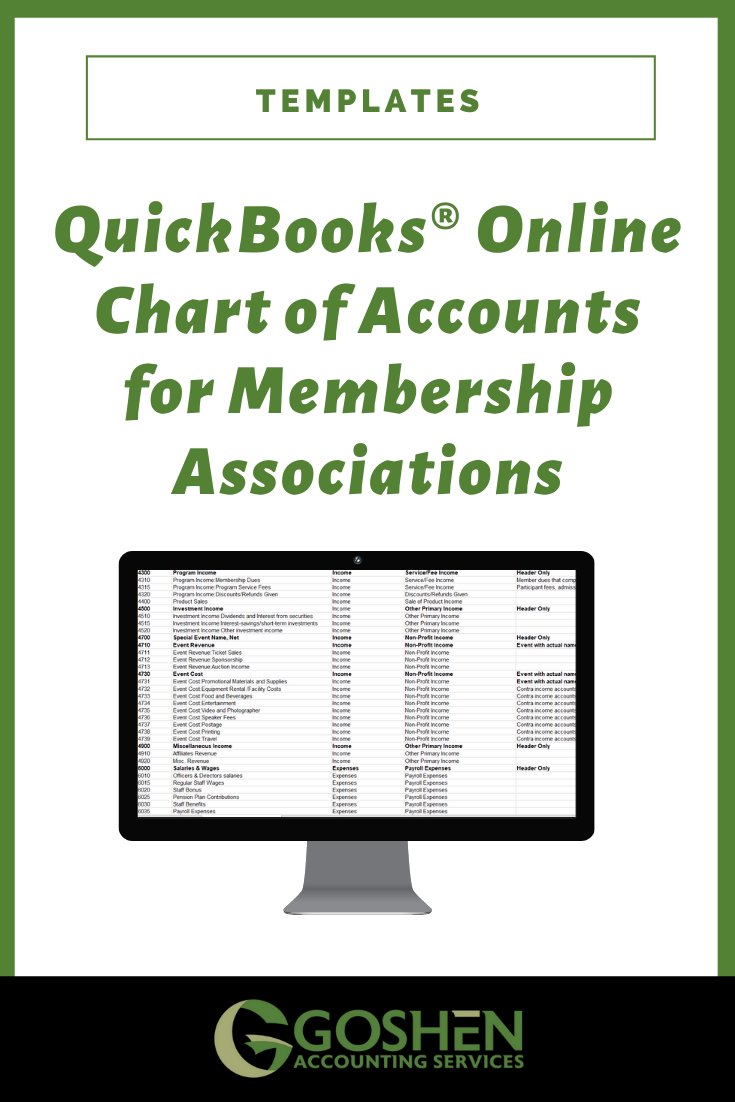
A downloadable QuickBooks Online Chart of Account template that includes sample products and services, class, and location tracking terms to use for your nonprofit membership association, chamber of commerce, social club, or any 501(c)(6).
How it Works:
Once you purchase, you will receive a unique email link to download the Microsoft Excel Workbook within 24 hours.
The Excel Workbook contains all of the chart of accounts your organization will need plus instructions. Edit the file to add more accounts if needed and import into your QBO file.
Check your spam/junk folder if you don’t see the email in your inbox.
Due to the nature of digital products, there is no refund. We will do our best to answer any technical questions you may have with using the template.
What you get:
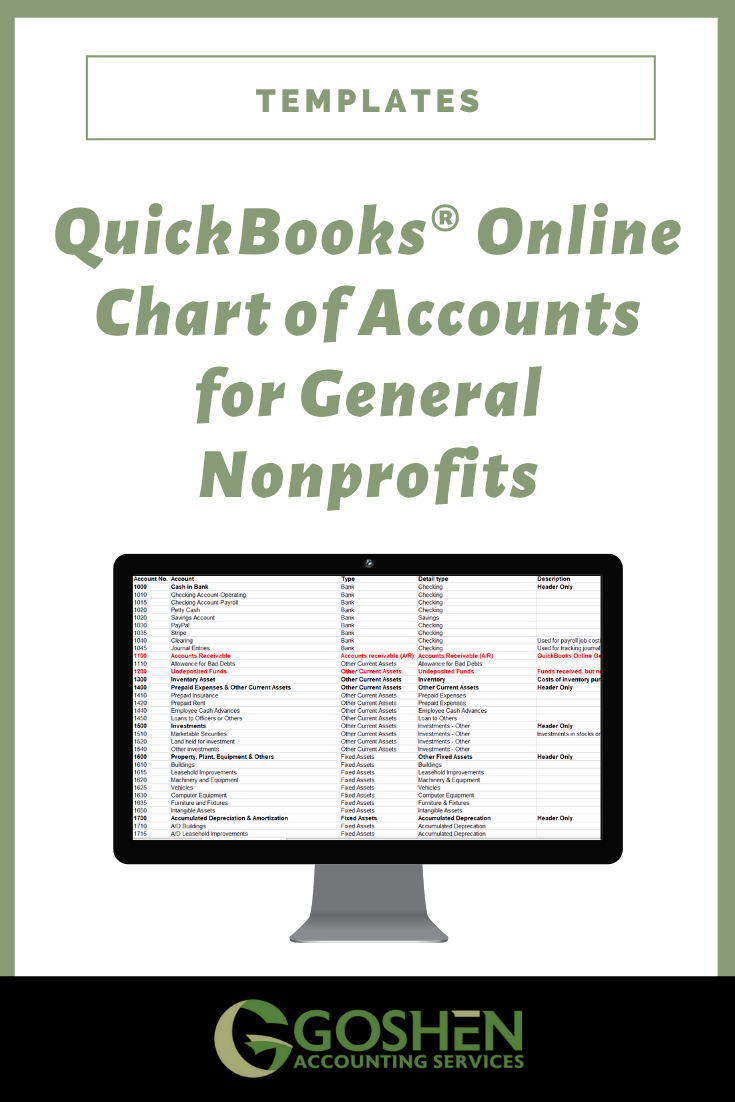
A downloadable QuickBooks Online Chart of Account template including sample products/services, classes, and locations to use for your nonprofit organization.
How it Works:
Once you purchase, you will receive a unique email link to download the Microsoft Excel Workbook within 24 hours.
The Excel Workbook contains all of the chart of accounts your organization will need plus instructions. Edit the file to add more accounts if needed and import into your QBO file.
Check your spam/junk folder if you don’t see the email in your inbox.
Due to the nature of digital products, there is no refund. We will do our best to answer any technical questions you may have with using the template.

Are you just starting your bookkeeping or accounting firm? Want to know how to diagnose a client’s QuickBooks Desktop or QuickBooks Online file to price your clean-up work?
This QuickBooks File Review template is for you. It is a downloadable word template with detailed areas to review in QuickBooks, sample recommendation solutions, and a structured layout to emphasize your branding and business benefits.
This is the template we use here at Goshen Bookkeeping & Consulting to secure and closeout 80% of our proposals with clients.
Once you purchase, you will receive a unique email link to download the file within 24 hours. Check your spam/junk folder if you don’t see the email in your inbox.
There is no refund. We’ll do our best to answer any questions you may have in using the template.

This downloadable zip file comes with detailed installation instructions and custom folders and client homework templates for you to import into any cloud document storage system to run your accounting firm.
The folders can be added to Dropbox, Box, Sharefile and Onedrive or cloud storage system you use as a portal for your clients.
Once you purchase, you will receive a unique email link to download the file within 24 hours. Check your spam/junk folder if you don’t see the email in your inbox.
There is no refund. We’ll do our best to answer any questions you may have in using the template.
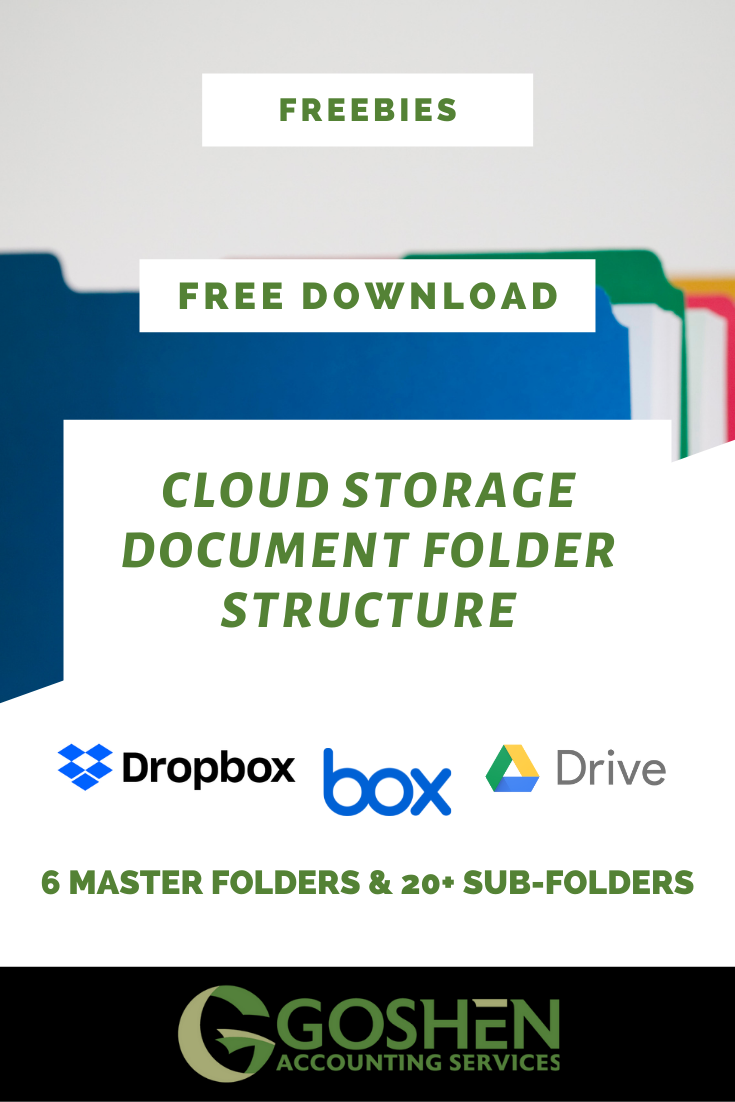
An organized document storage system is vital to streamlining your recordkeeping requirements, providing the tools for your new employee or volunteer to start working, and cross-training existing staff members.
Using naming conventions makes it easier for you to locate information quickly and successfully show proof of source documents for Tax and Auditor preparations.
You can meet the needs of your stakeholders without having to worry about losing your data due to staff turnover.
This downloadable zip file comes with detailed installation instructions, naming convention template, and custom folders for you to import into any cloud document storage system to run your organization. The folders can be added to Dropbox, Box, Google Drive, Onedrive or cloud storage system you use.
Once you purchase, you will receive a unique email link to download the file within 24 hours. Check your spam/junk folder if you don’t see the email in your inbox.
Wondering when to bring in a nonprofit CFO? We put together this guide to help you assess your options for hiring a nonprofit CFO for your organization. Bringing in a CFO is a big decision, but it can be a great way to ensure the financial health of your nonprofit for years to come. A CFO can provide valuable assistance as you navigate the challenges of growing your nonprofit.